Visual Studio Code
Visual Studio Code (VSCode) is a free and open-source code editor developed by Microsoft. It provides a highly customizable and feature-rich environment for coding, debugging, and extension development.
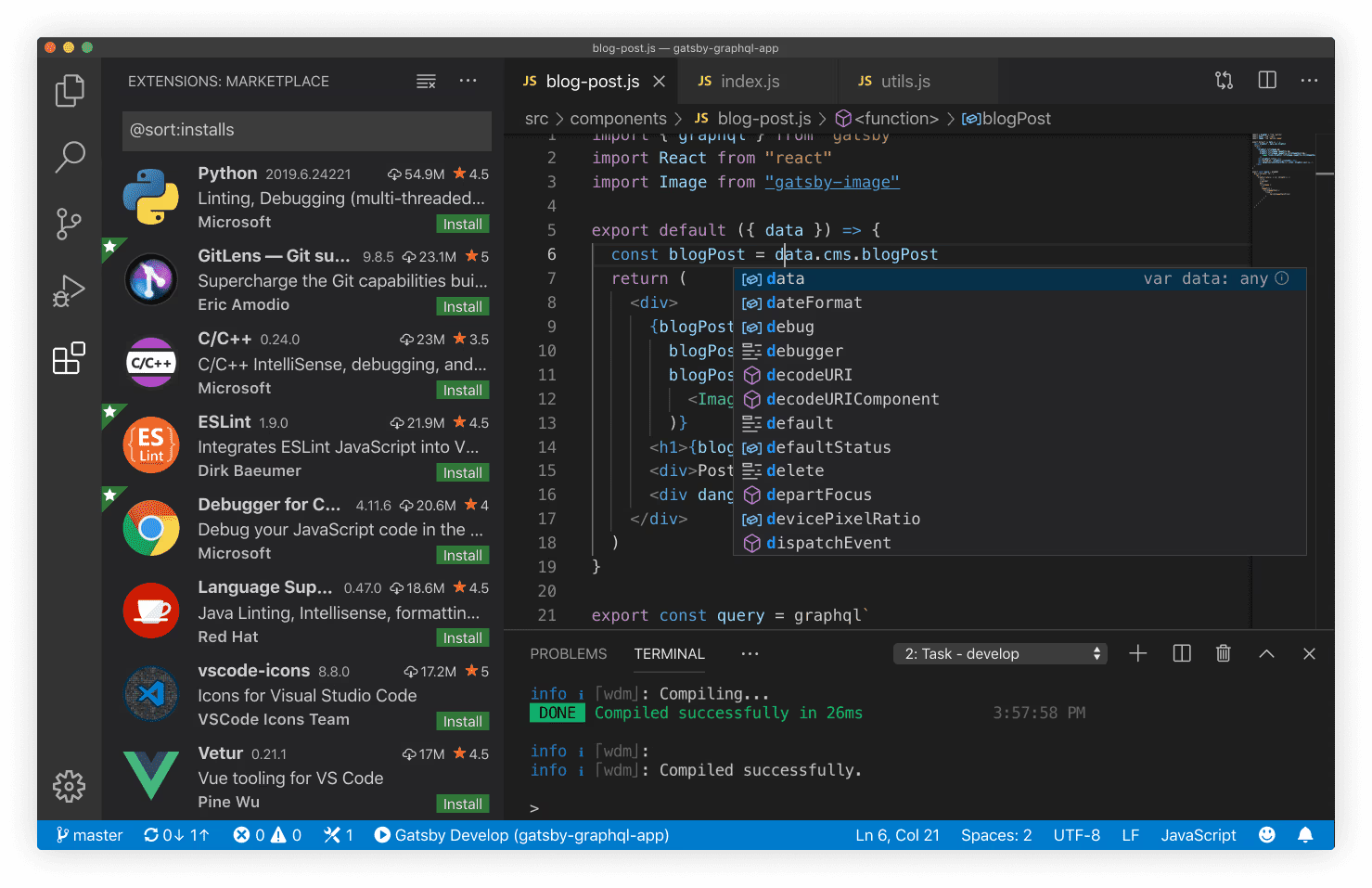
Features
1. Multi-Language Support:
VSCode supports a wide range of programming languages out of the box and can be extended for additional language support.
2. IntelliSense:
Intelligent code completion and suggestions enhance the coding experience.
3. Built-in Git Integration:
Seamless integration with Git allows version control operations directly within the editor.
4. Extensions Marketplace:
A vast marketplace offers a variety of extensions to enhance functionality and support various languages and frameworks.
5. Debugging Tools:
VSCode provides built-in debugging support for multiple languages and environments.
Extensions
- rust-analyzer: This extension provides support for the Rust programming language.
- GitLens: GitLens supercharges your Git experience in VS Code.
- Remote - SSH: The Remote - SSH extension lets you use any remote machine with a SSH server as your development environment.
- Prettier: Prettier is an opinionated code formatter.
- YAML: Provides comprehensive YAML Language support.
- Ansible: This extension adds language support for Ansible.
- Python: A Visual Studio Code extension with rich support for the Python language.
- Flutter: This VS Code extension adds support for effectively editing, refactoring, running, and reloading Flutter mobile apps.
- Docker: The Docker extension makes it easy to build, manage, and deploy containerized applications from Visual Studio Code.
- Dart: Dart Code extends VS Code with support for the Dart programming language.
- Better TOML: Better TOML is vs code extension to support TOML file.
- Error Lens: ErrorLens turbo-charges language diagnostic features by making diagnostics stand out more prominently, highlighting the entire line wherever a diagnostic is generated by the language and also prints the message inline.
- Foam: Foam is a note-taking tool that lives within VS Code, which means you can pair it with your favorite extensions for a great editing experience.
- JSON Schema Store Catalog: This extension provides all JSON schemas from the JSON Schema Store catalog.
- night blossom: VSCode Theme.
- Kubernetes
- Conventional Commits
Keyboard Shortcuts
Ctrl + -: Comment / Uncomment lineCtrl + P: Quick Open / CommandsAlt + ↓ / ↑: Move line down/upCtrl + Shift + K: Delete line
Profiles
VSCode Profiles let you create separate editor setups with customized settings, extensions, themes, and keyboard shortcuts called “Profiles”. This is useful for managing different project environments or workflows without mixing configurations.